Is there anything better than a tree full of ornaments you made yourself? If you have a laser, you can cut a whole set in one evening.
Ornaments are small, quick and forgiving, so you can’t really go wrong. They also use up those leftover pieces of plywood you couldn’t throw away. I always have a pile of those next to my laser!
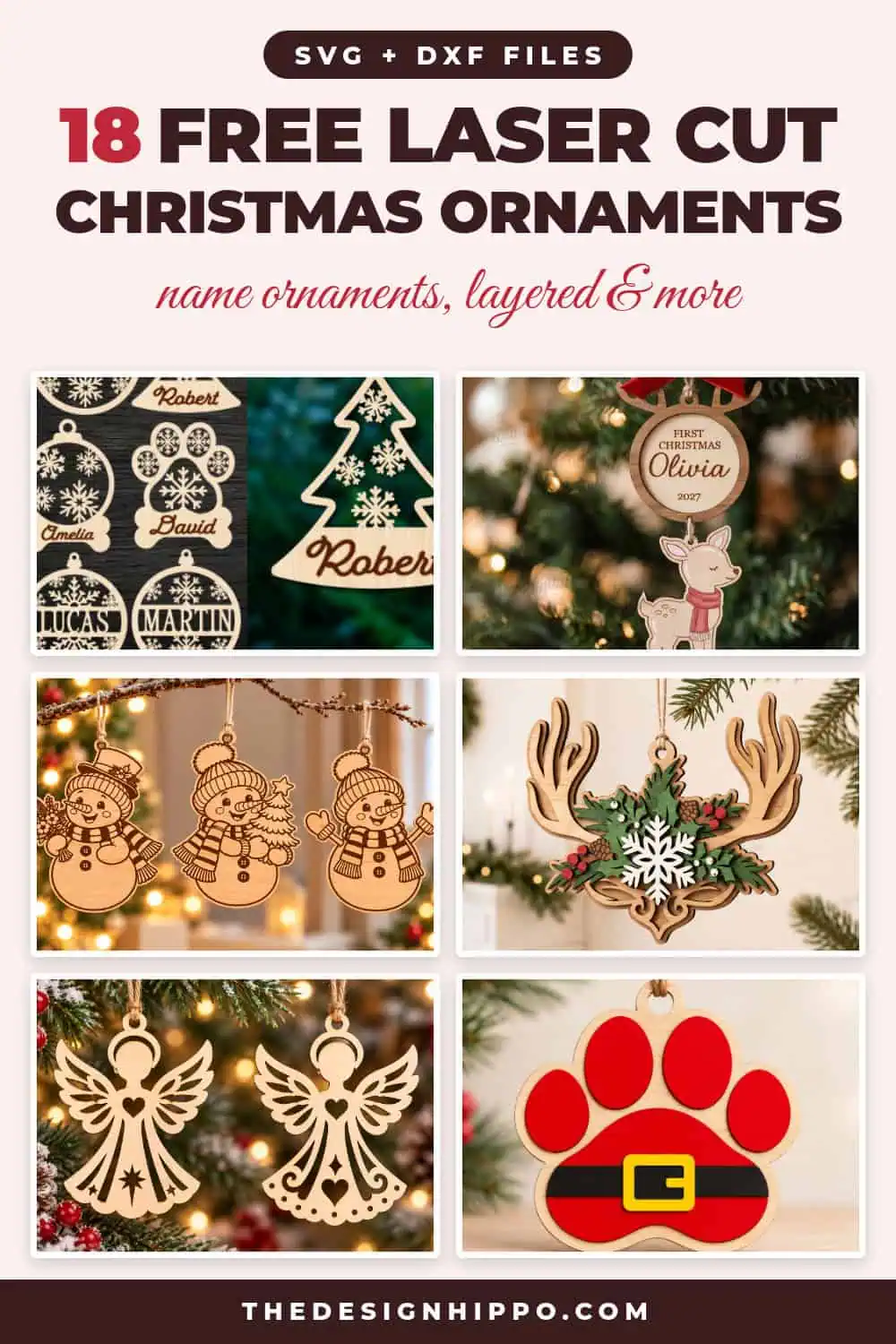
I picked 18 free laser cut files for Christmas ornaments: name ornaments, big bundles, layered wood designs, snowmen, angels, pet ornaments and even an acrylic snow globe.
You can download any of them free as part of your first 10 free downloads with a Creative Fabrica free trial. The files come as SVG and DXF (and often more), so they work with a Glowforge, an xTool or any other diode or CO2 laser.
My Top Picks
Tip: Adding a name to an ornament? Try your words in different fonts with my free font previewer before you cut. And if the ornament is a gift, the gift box template maker will size a box to fit it.
What You Need to Laser Cut Christmas Ornaments
- A laser cutter: a Glowforge, an xTool or any diode or CO2 laser. A small bed is plenty, because most ornaments are 3 to 4 inches wide.
- Wood: 1/8 inch (3 mm) basswood or birch plywood is the classic choice. It cuts cleanly and takes paint and stain well.
- Acrylic (optional): 1/8 inch clear, mirror or glitter acrylic for a modern look. Check that your laser can cut it first. Diode lasers can’t cut clear acrylic.
- Masking tape or transfer paper: cover the wood before you cut and you’ll get far fewer scorch marks.
- To finish: acrylic paint or stain, wood glue for layered designs, and ribbon or twine to hang them.
How to Use These Laser Cut Files
- Download the file and unzip it. Open the SVG or DXF in your laser software, such as LightBurn, xTool Creative Space or the Glowforge app.
- Resize the design. Keep the hanging hole at least 1/8 inch wide so your ribbon fits.
- Set which lines cut and which engrave. Many designers use red lines for cutting and black for engraving, but check each file.
- Run a small test on a scrap of the same wood, then cut the real thing.
- Peel the masking, sand any dark edges lightly, then paint, glue the layers and add a ribbon.
Always follow your machine’s safety guide, and never leave your laser running on its own.
18 Free Laser Cut Files for Christmas Ornaments
The name ornaments and bundles come first, then engraved and classic designs, layered and acrylic ornaments, and finally the ones for pets and kids.
1. Family Name Ornament Bundle
Most Popular
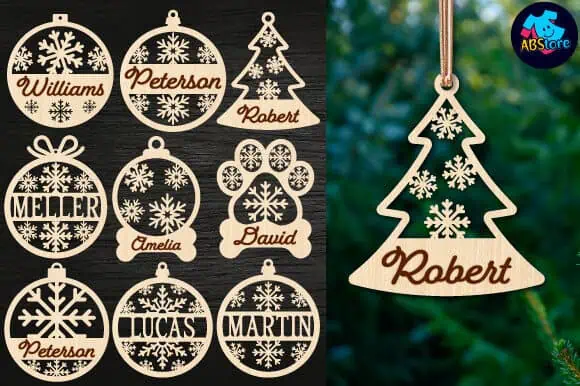
Nine ornament shapes with a space for your family names: snowflake baubles, a Christmas tree, a paw print and a little bone for the dog.
With close to 600 saves, this is one of the most-loved ornament files on Creative Fabrica. Swap in your own names and you have gifts for everyone on your list!
2. Custom Name Christmas Ornaments
Best for Personalizing
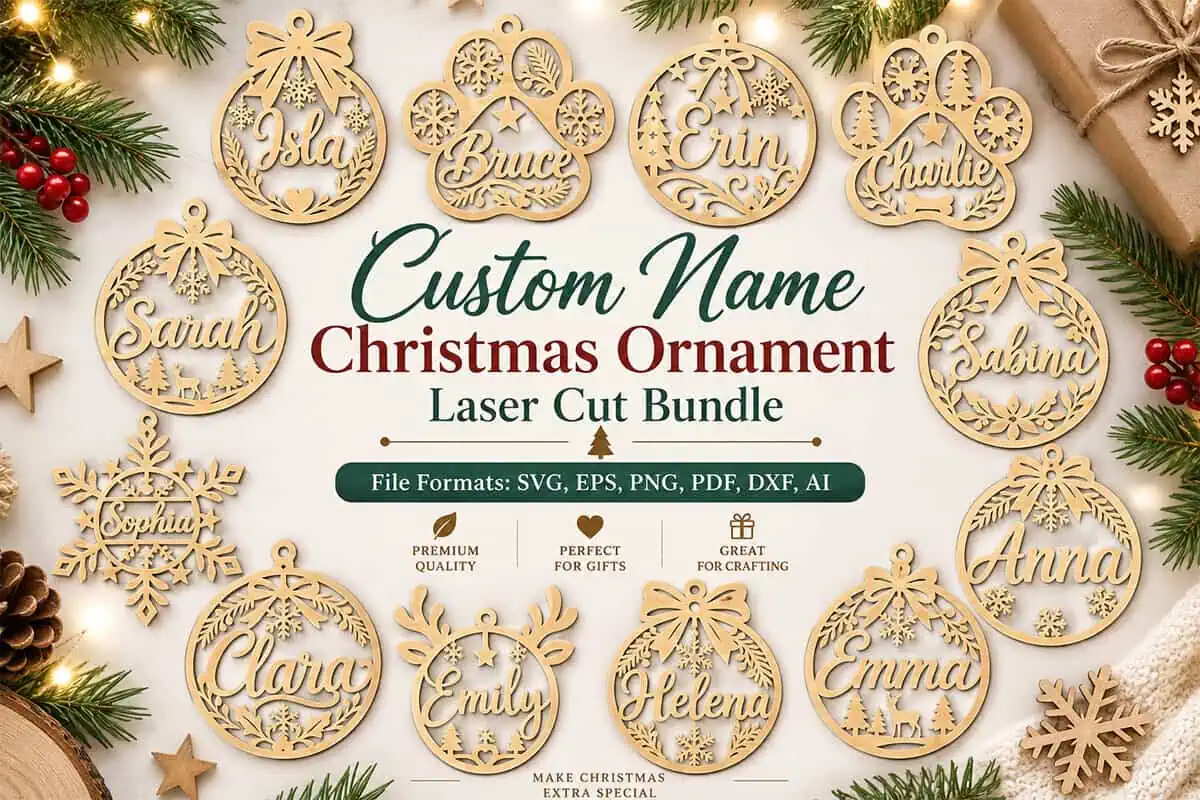
Want something a little fancier? These 12 ornament frames wrap a script name in snowflakes, holly, bells and reindeer.
The bundle includes SVG, DXF, PDF, EPS, PNG and AI files. Type the name in your own font, weld it to the frame and cut.
3. 105 Christmas Ornament Bundle
Biggest Bundle
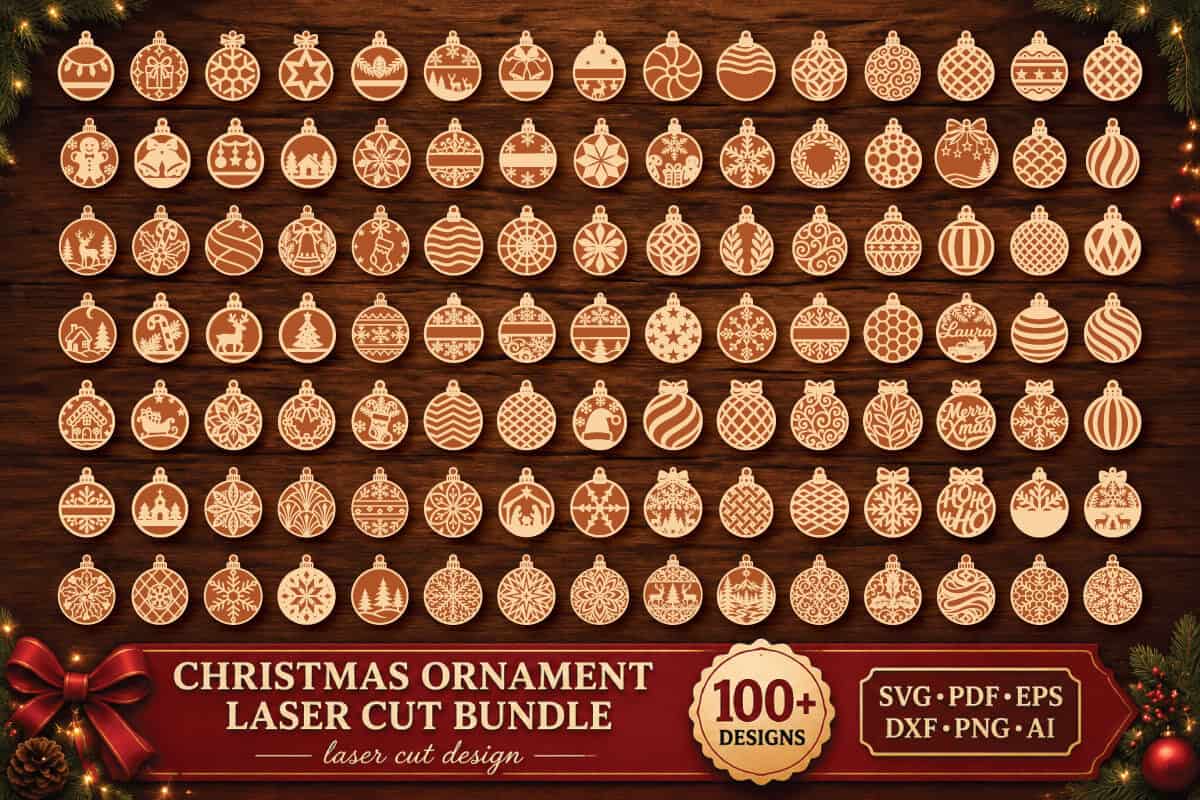
One download gives you 105 different ornaments. You’ll find baubles filled with snowflakes, trees, stars, reindeer and patterns.
Do you sell at craft fairs? You can fill your whole table from this single file.
4. Baby’s First Christmas Deer Ornament
Best Baby Keepsake
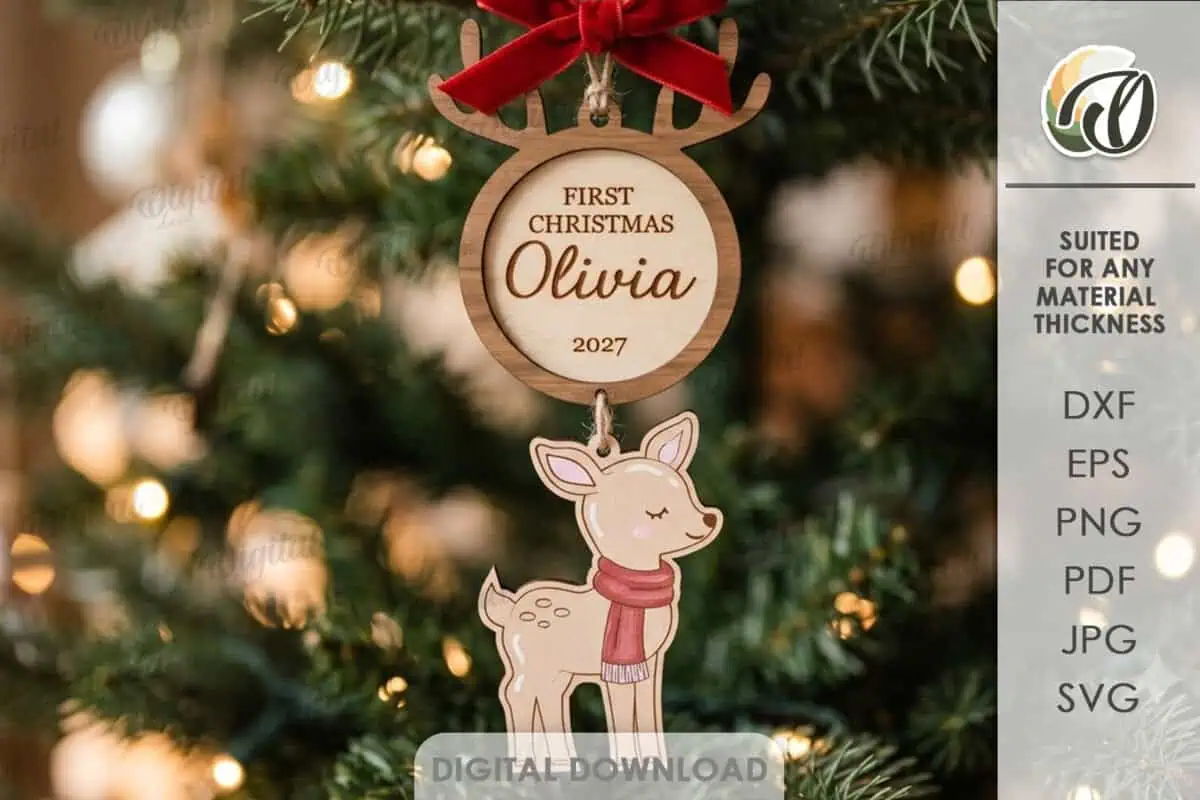
A sweet little fawn in a red scarf hangs under a round tag for the baby’s name and the year.
New parents will treasure this one. You get SVG, DXF, EPS, PDF, JPEG and PNG files, and the name and year are yours to change.
5. Snowman Ornament Trio
Cutest Engraved Set
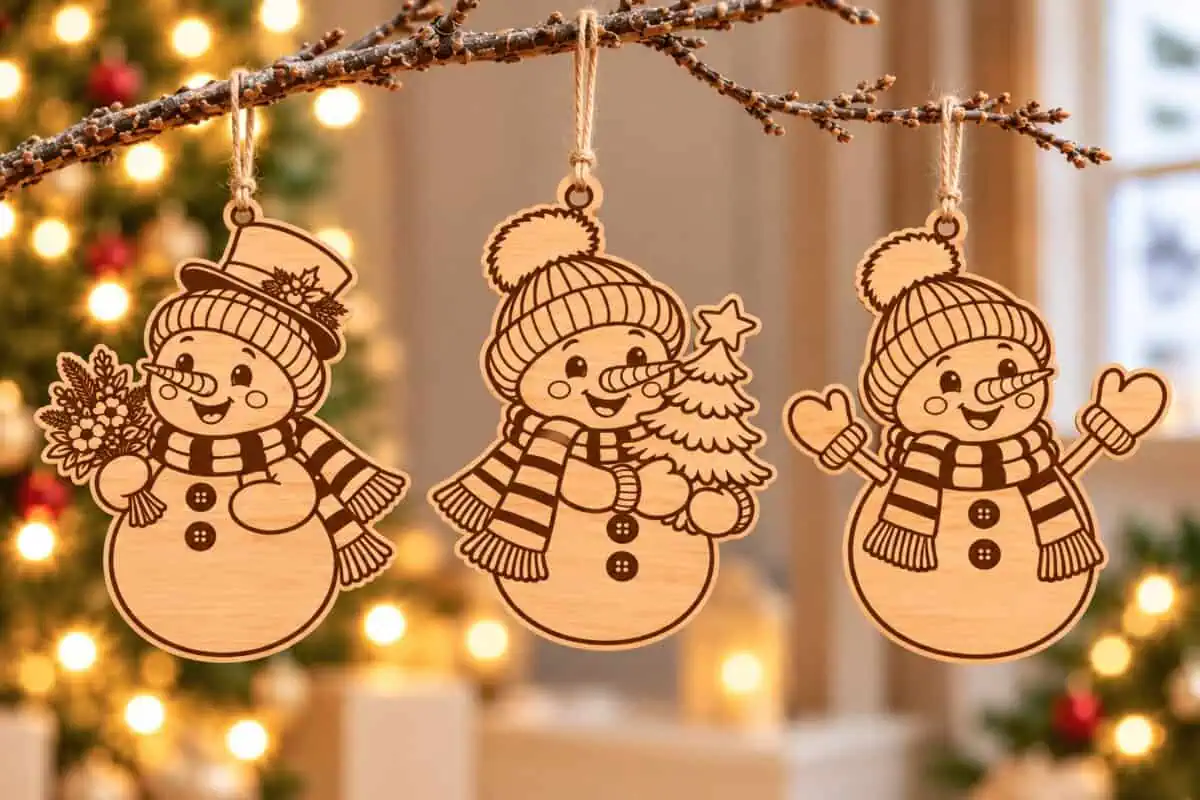
Three cheerful snowmen in knitted hats and striped scarves. One holds a bouquet and another carries a tiny Christmas tree.
All the detail is engraved, so they look lovely in plain wood. Or hand them to the kids with a set of paints!
6. Nutcracker Round Ornament
Best Engraved Ornament
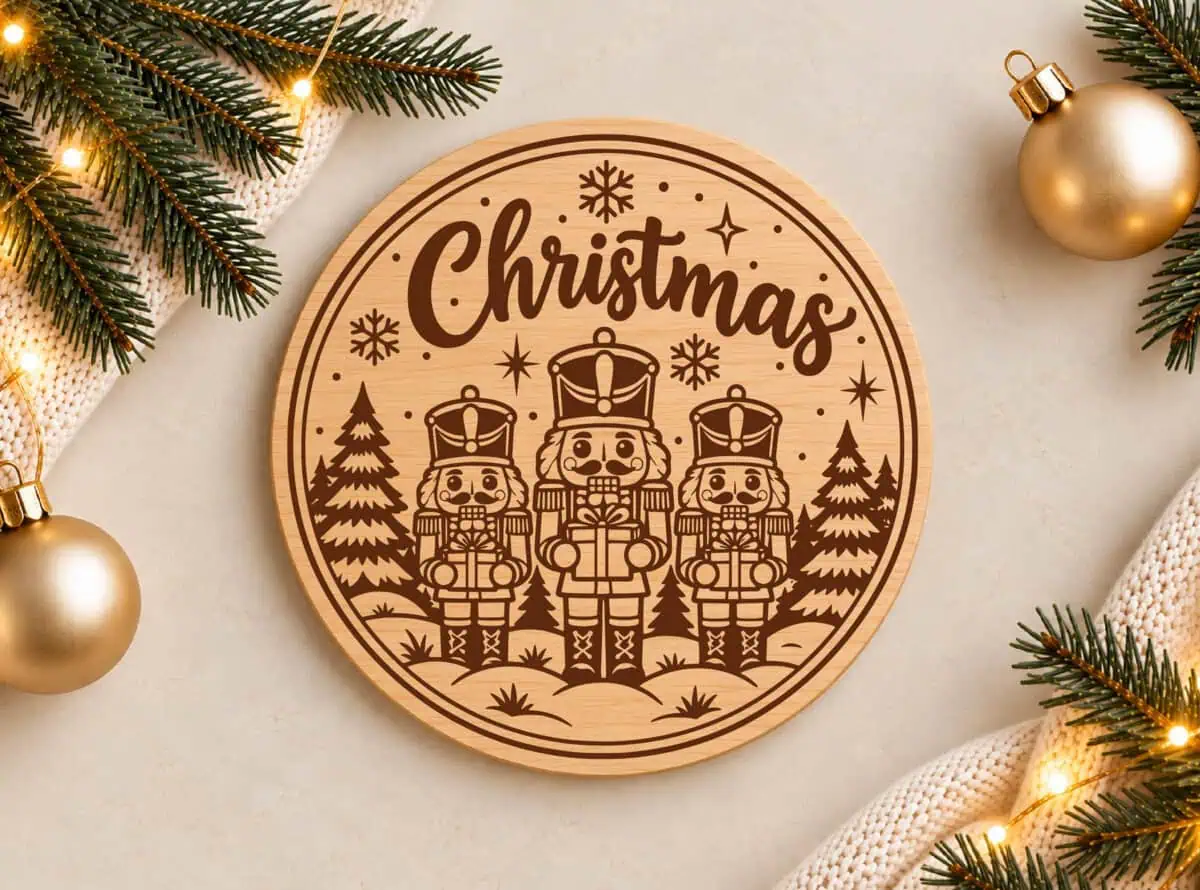
Three nutcracker soldiers stand in the snow between pine trees, each holding a gift, under the word Christmas.
Engrave it on a 4 inch wood round for your tree. Scale it up and you have a coaster or a small sign.
7. Wooden Angel Ornaments
Best Simple Cut
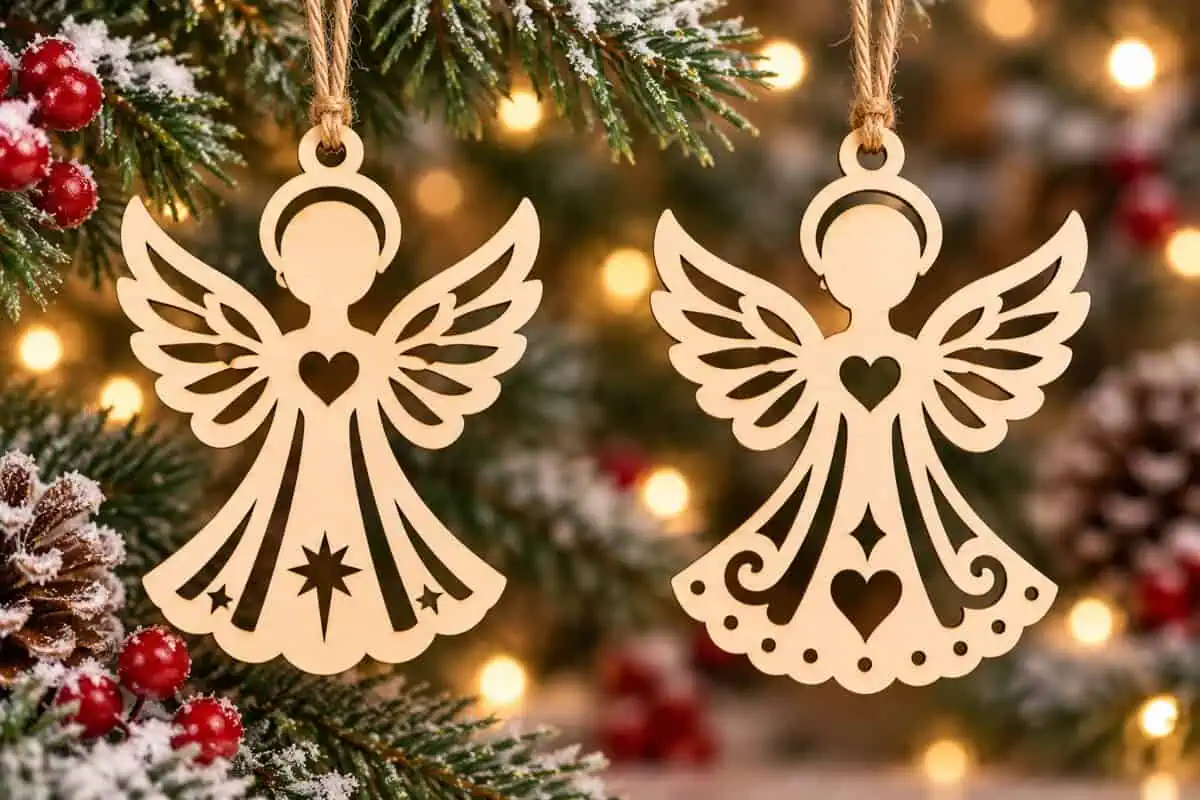
Two simple angels with cut-out wings, hearts and stars. There’s no engraving here, only clean cut lines.
That makes them fast to cut, and a good first project if you’re new to your laser. They also look beautiful in white acrylic.
8. Three Wise Men Ornament
Best Nativity Ornament
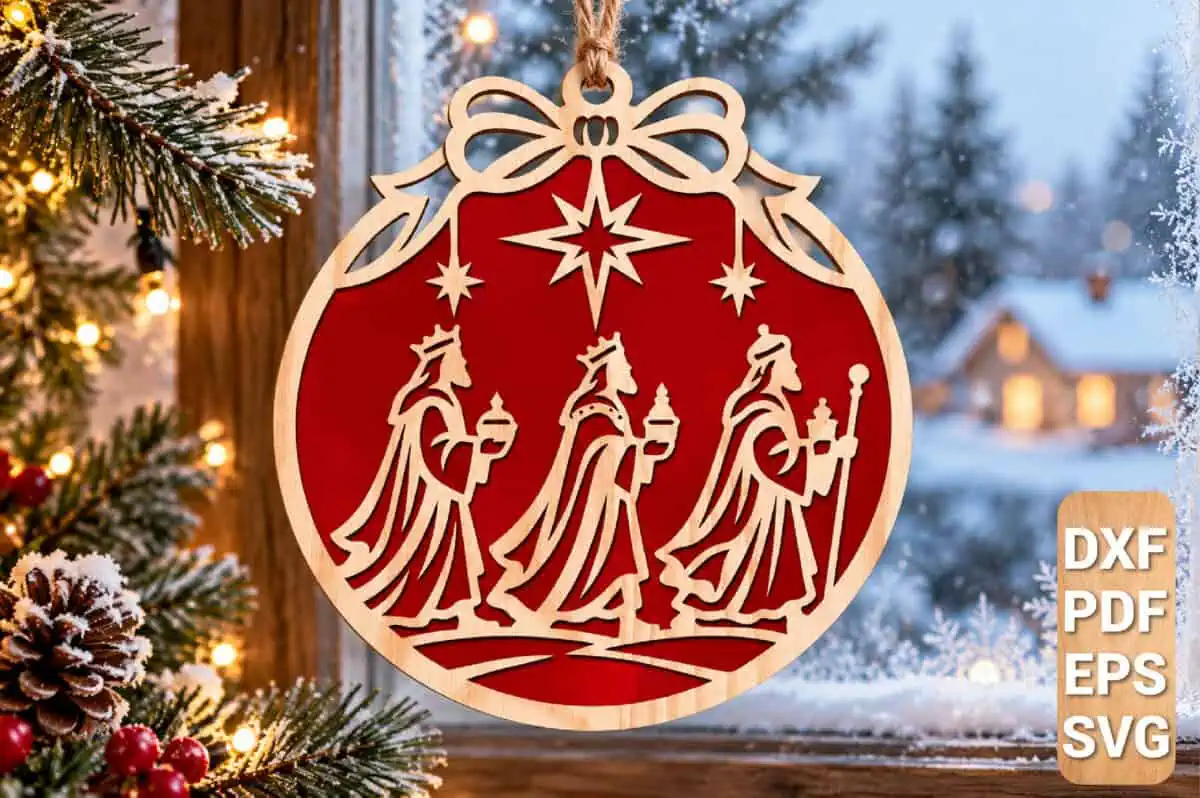
The three wise men follow the star inside a bauble topped with a bow.
Cut the silhouette from wood and back it with red or gold, and you get a rich, stained-glass look. It comes as SVG, DXF, EPS and PDF.
9. 3D Wooden Star Ornaments
Best 3D Ornament
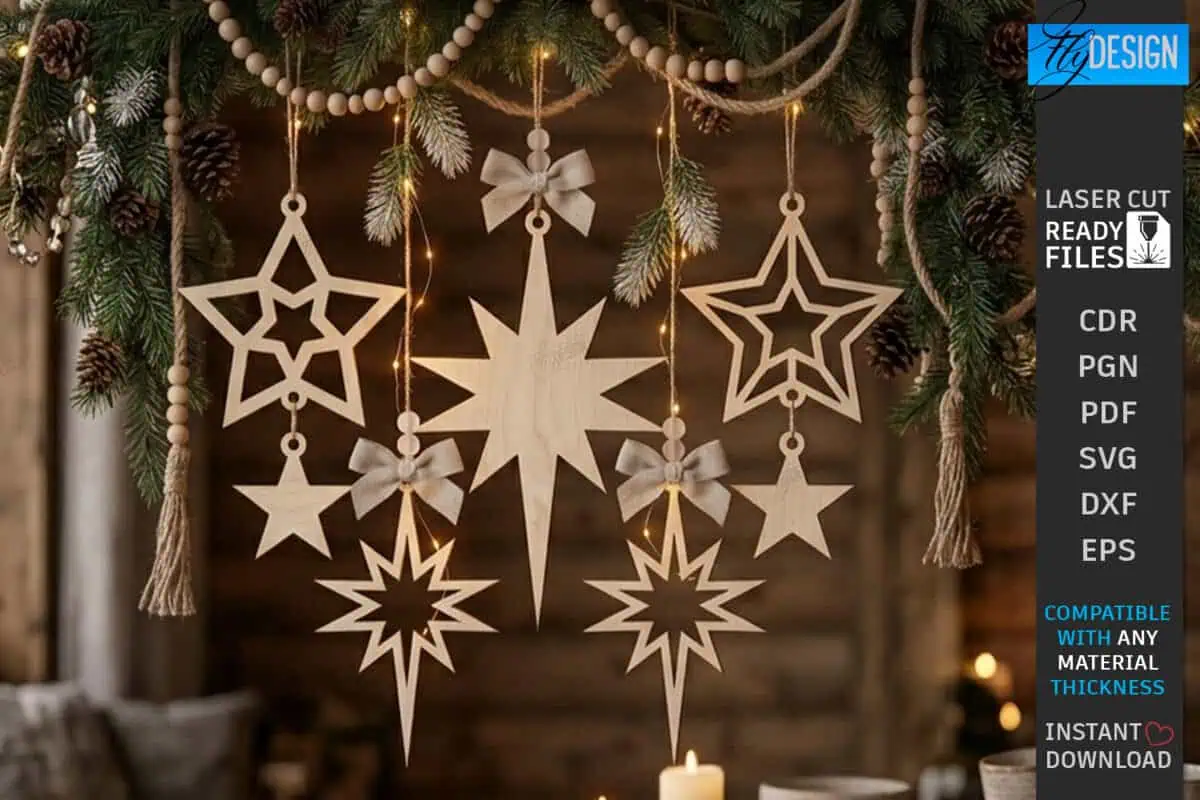
These filigree stars slot together into 3D ornaments, so they look good from every side of your tree.
You don’t need glue if your slots fit well. Do a test cut first, because the slot width depends on how thick your plywood is.
10. Layered Antler Ornament
Best Layered Ornament
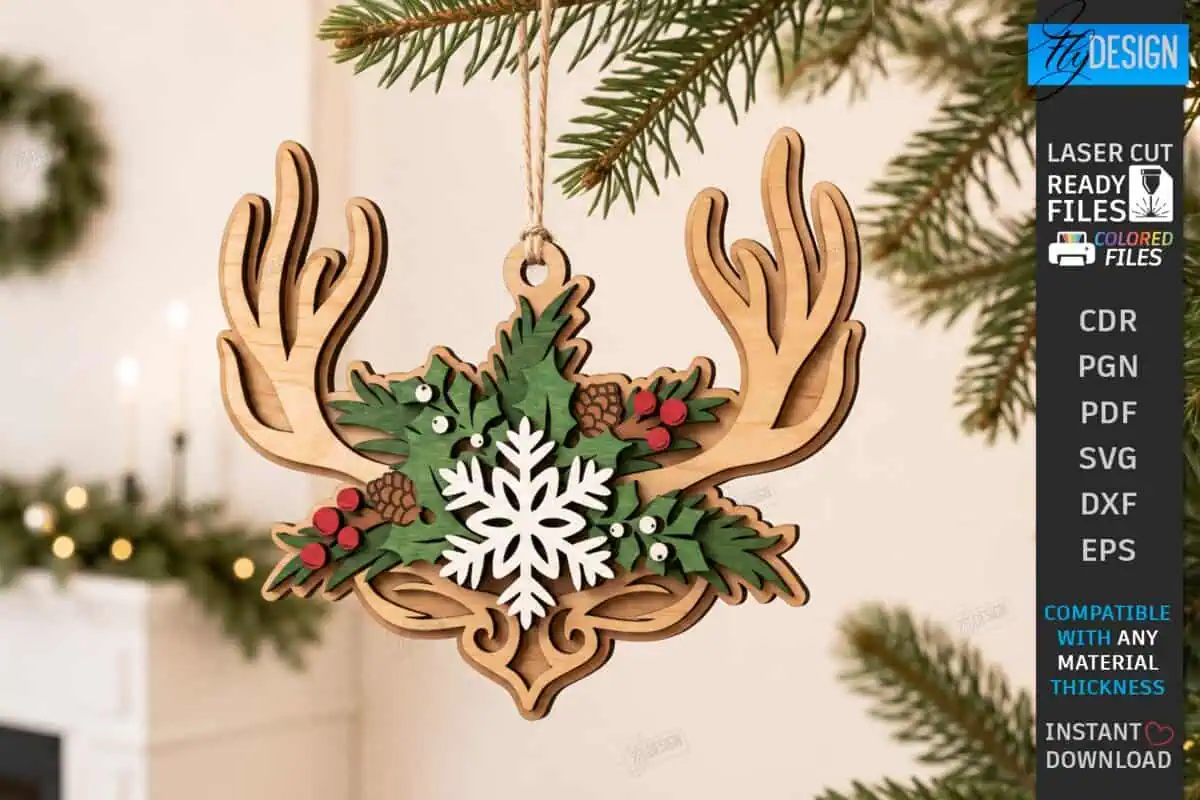
Antlers, a snowflake, holly berries and pine cones stack up into one gorgeous ornament. You’ll want to keep this one for yourself!
Paint each layer before you glue them together. It’s so much easier than painting around the edges later.
11. Acrylic Snow Globe Ornament
Best Acrylic Ornament
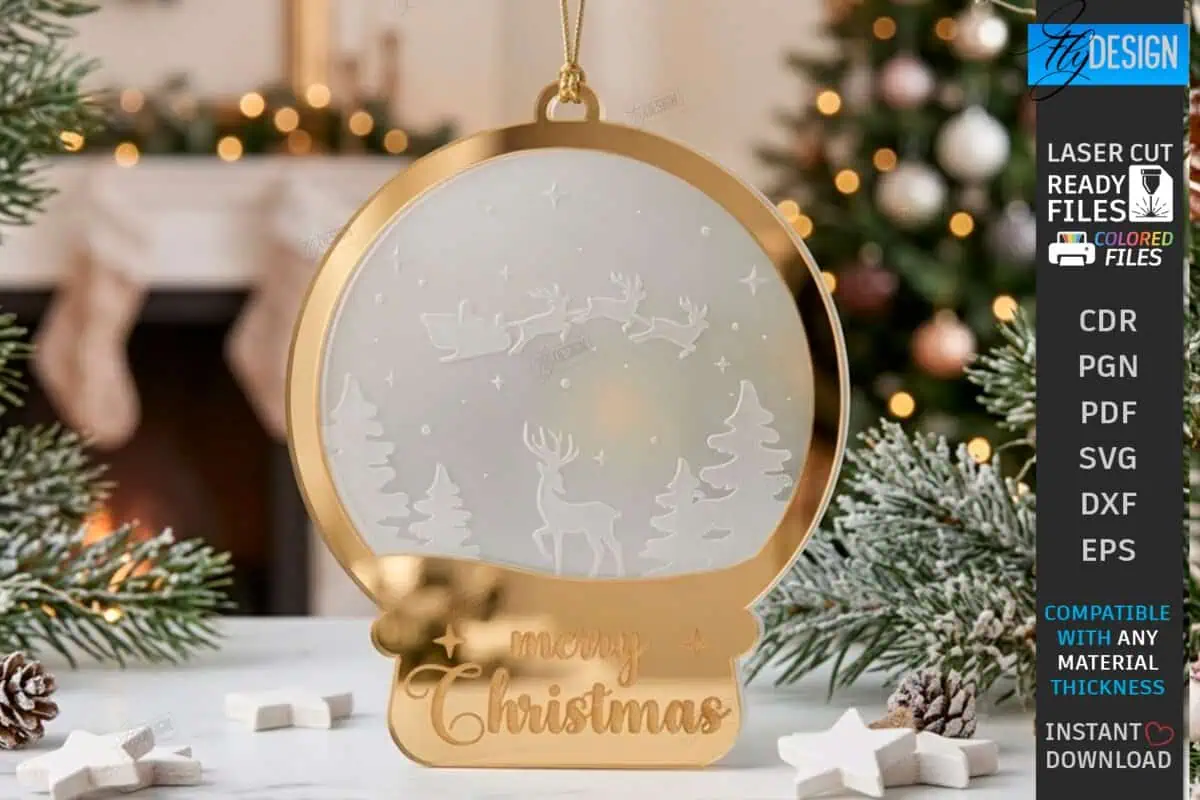
A frosted winter scene with reindeer, engraved on clear acrylic and framed in gold mirror acrylic.
Hang it where your tree lights can shine through it. Remember that you’ll need a CO2 laser to cut clear acrylic.
12. Penguin and Gingerbread Girl Ornaments
Cutest Layered Pair
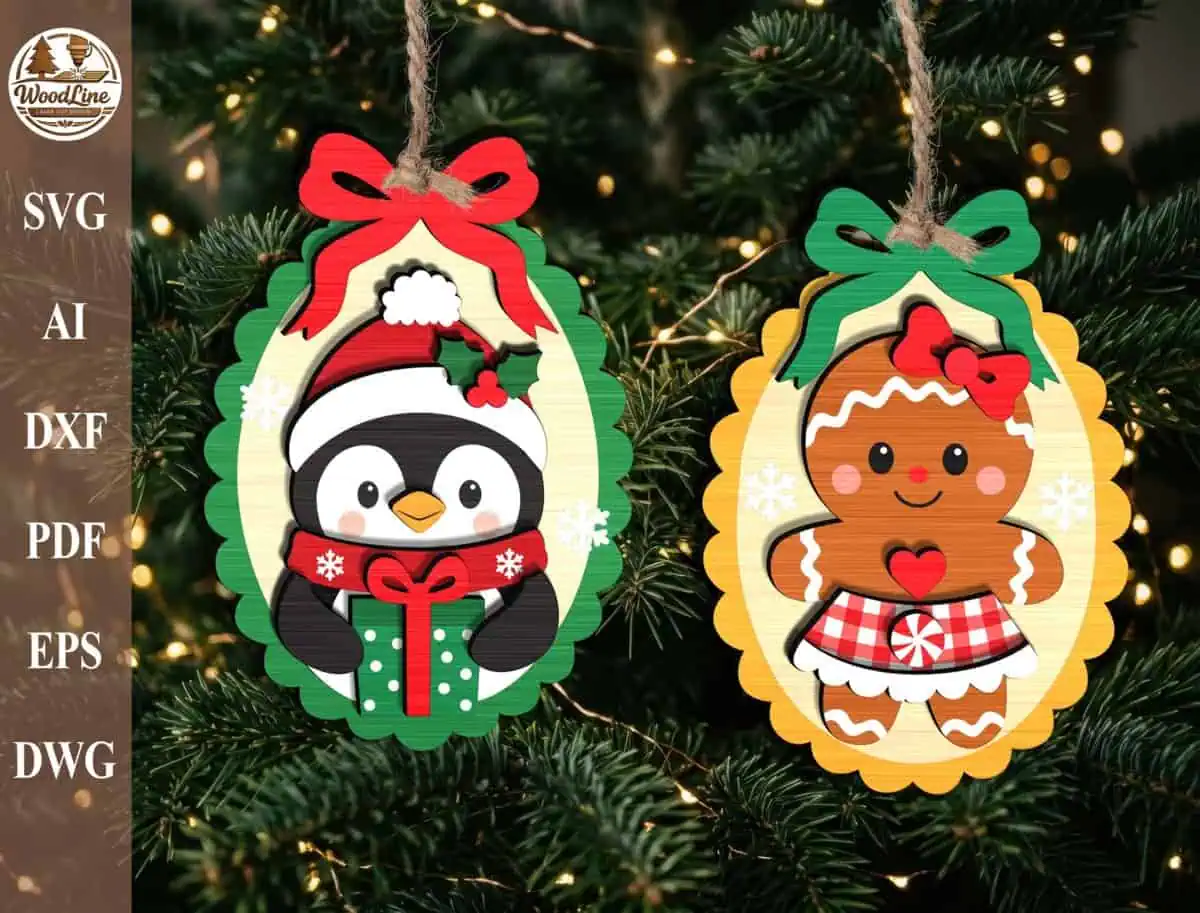
How cute are these two? A penguin in a Santa hat and a gingerbread girl sit inside scalloped frames with big bows.
The 2 layered designs come in six formats, including SVG, DXF and DWG. Cut each color from painted wood or colored acrylic.
13. Christmas Duck and Goose Ornaments
Sweetest Animals
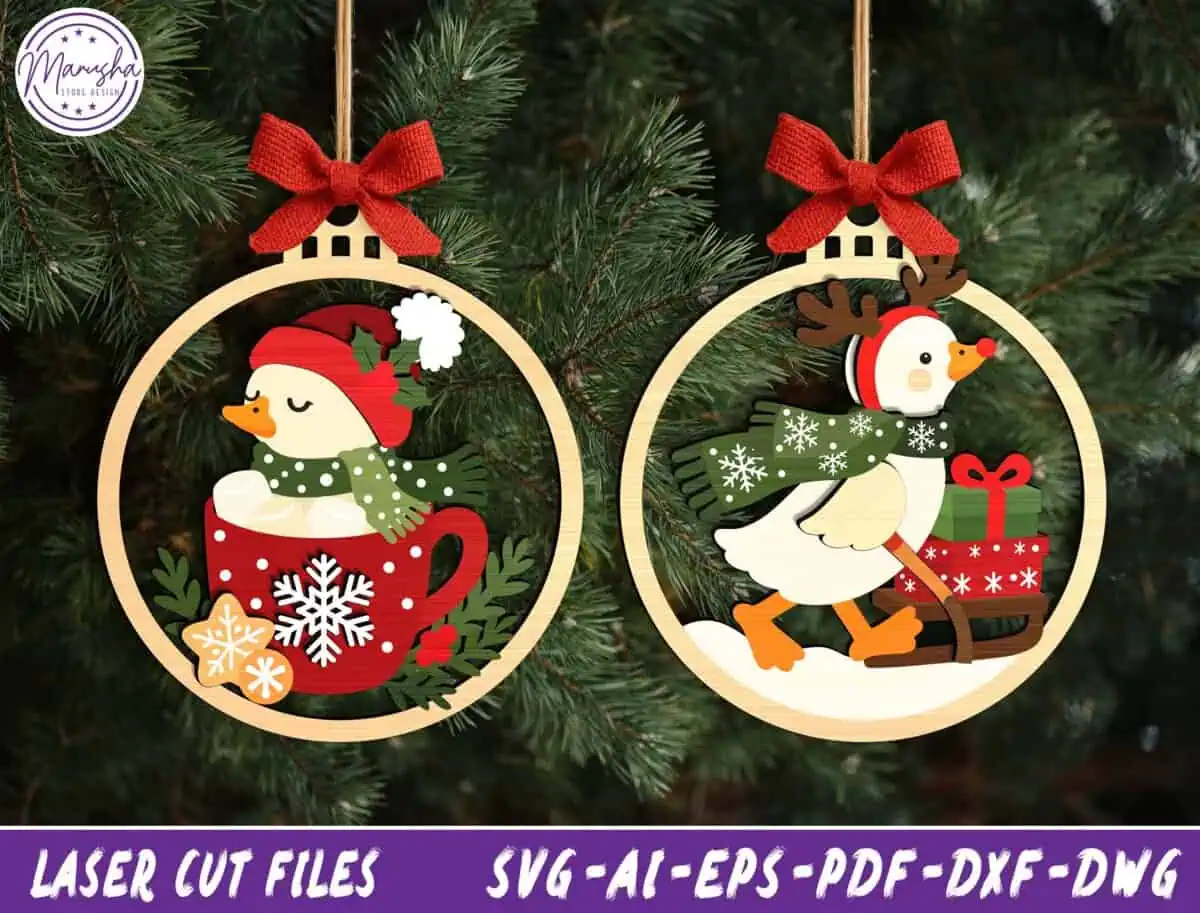
A little duck in a red mug and a goose in a green scarf, each in a round frame with a red bow.
Hang them on your farmhouse tree, or tie one to a jar of your homemade cocoa mix as a gift topper.
14. Paintable Bauble Ornament
Best Kids Craft
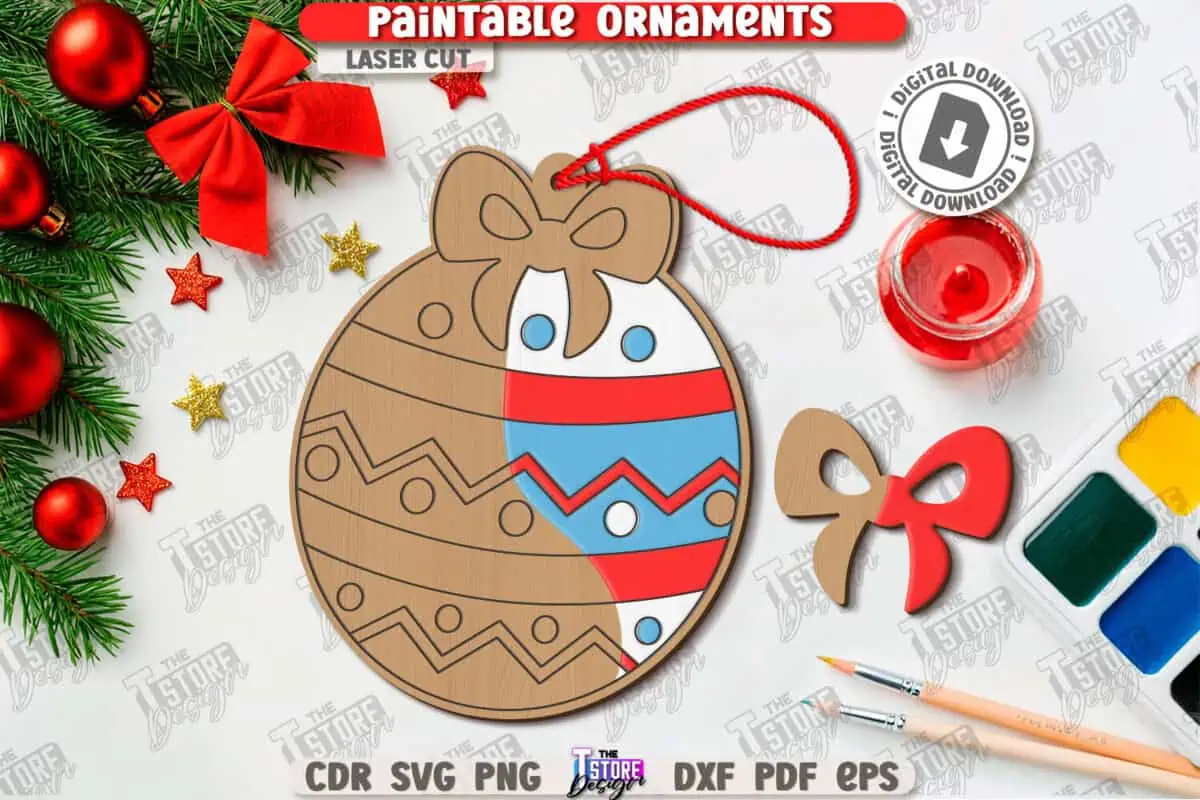
This bauble is made to be painted. The engraved lines work like a coloring page, and a separate wooden bow goes on top.
Cut a stack for a kids’ craft table or a class party. In the file, red lines are for cutting and black lines are for engraving.
15. Dog Christmas Ornament Bundle
Best for Dog Lovers
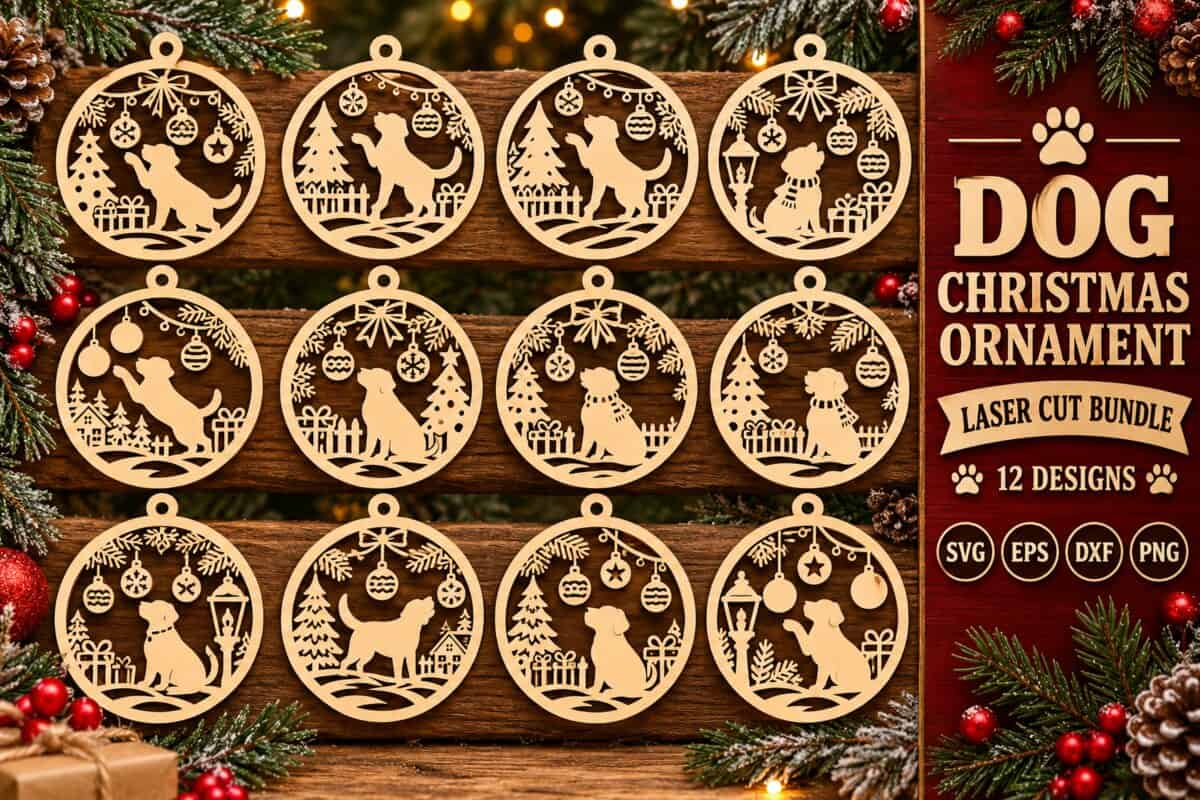
12 round ornaments, each with a different dog playing in a snowy Christmas scene.
Do you know someone who buys their dog a stocking? This is their ornament. The files are SVG, EPS, DXF and PNG.
16. Santa Paw Ornament
Best Pet Ornament
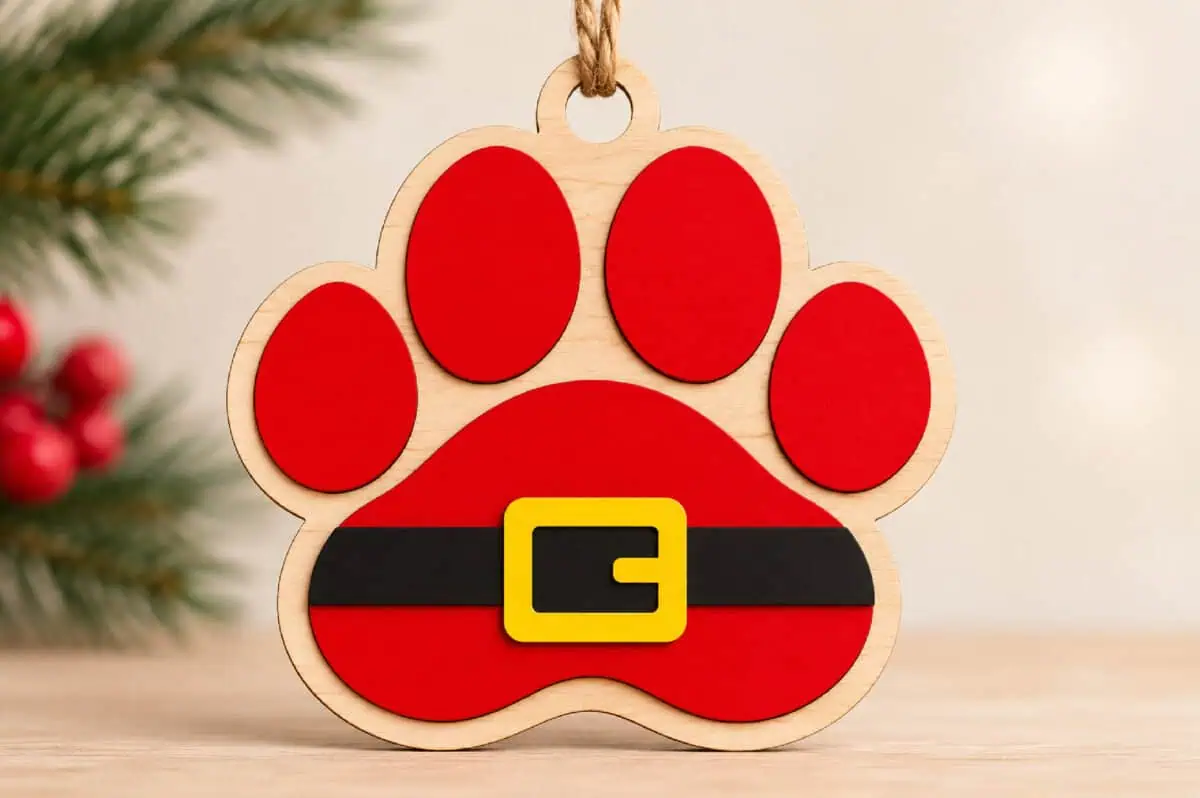
A paw print dressed as Santa, with a black belt and a gold buckle.
It’s only a few pieces, so you can finish it in minutes. Engrave your pet’s name on the back before you glue it up.
17. Dinosaur Christmas Ornament
Best for Kids
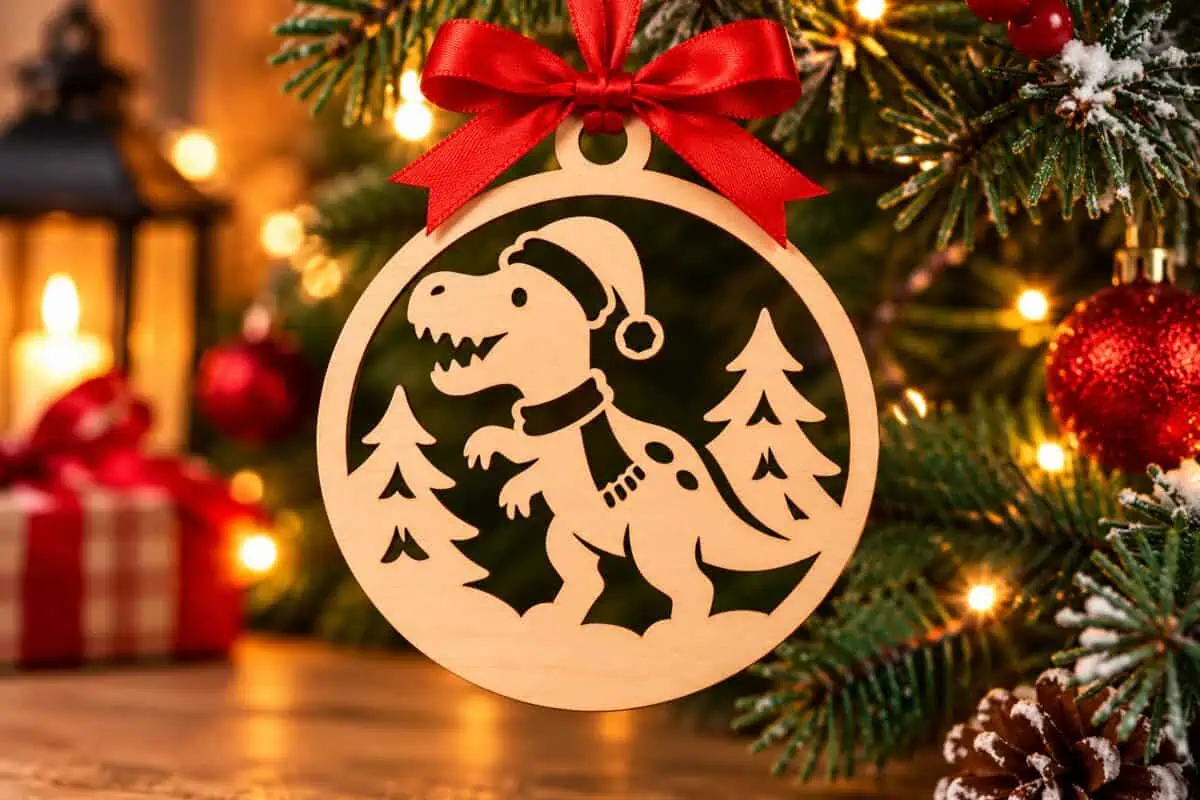
A T-rex in a Santa hat stomps through the pine trees. Your dinosaur fan will pick this one first!
The download has SVG, DXF, EPS and PNG files. Because it’s a simple silhouette, it also cuts well from cardstock or vinyl.
18. Reindeer and Snowy Cabin Tags
Best Gift Tag Ornaments
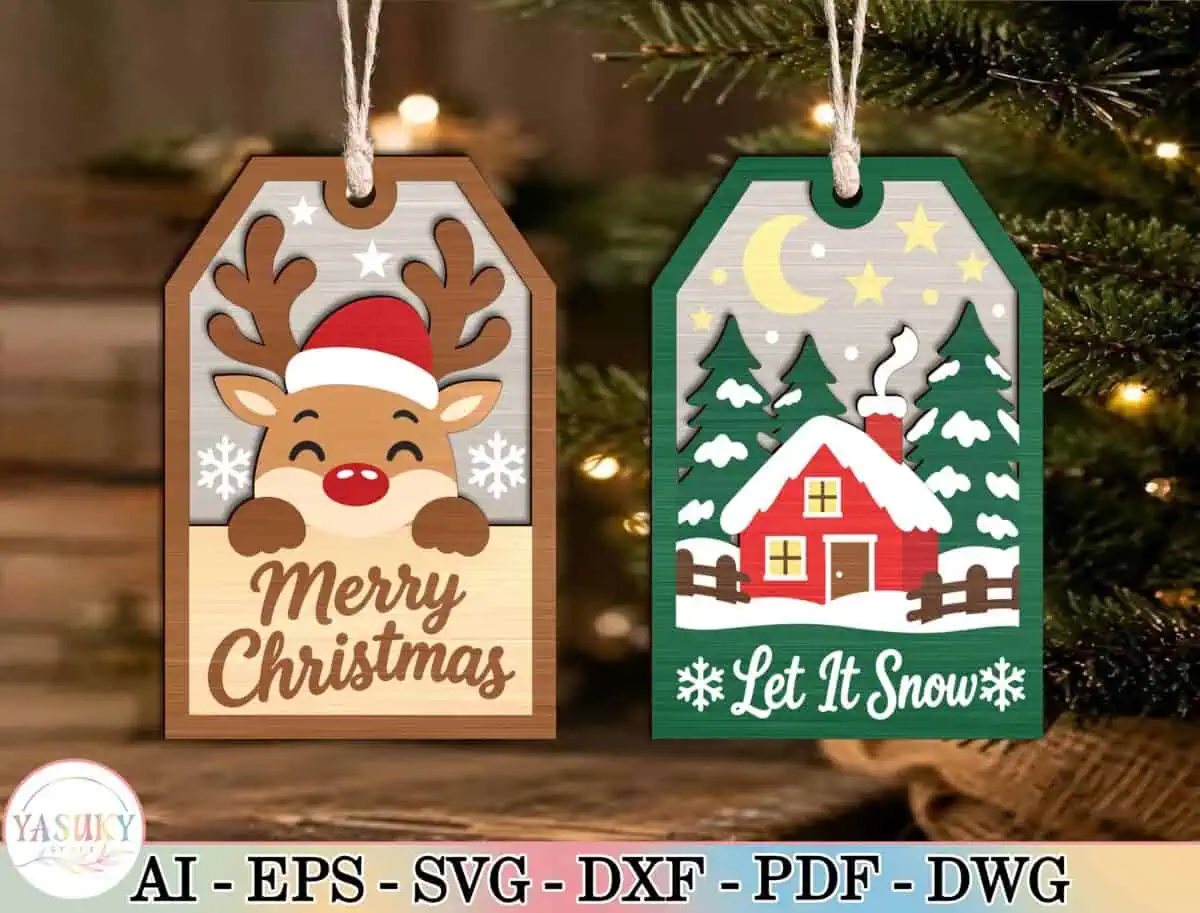
Two tag-shaped ornaments: a reindeer in a Santa hat that says Merry Christmas, and a red cabin under the words Let It Snow.
Tie one to your present as the gift tag. After the wrapping paper is gone, it moves to the tree.
Laser Cut Christmas Ornament FAQs
Are these laser cut files really free?
You can download any of them free as part of your first 10 free downloads with a Creative Fabrica free trial. After that, they’re included in the subscription.
What is the best wood for laser cut ornaments?
1/8 inch (3 mm) basswood or birch plywood. It’s light enough for a tree branch, cuts cleanly and engraves with good contrast.
What file format do I need for my laser?
SVG works in LightBurn, xTool Creative Space and the Glowforge app. DXF is handy for other software. Every file in this list includes at least one of them.
How big should a Christmas ornament be?
Most tree ornaments are 3 to 4 inches wide. Go a little bigger, about 5 inches, for name ornaments so the letters stay strong.
Can I sell ornaments I make from these files?
Creative Fabrica files come with a commercial license for finished physical products, so you can sell the ornaments you make. You can’t share or resell the digital files. Check the license on each listing to be sure.
