Is there anything kids love more than stickers? I don’t think so! A sheet of cute stickers can turn a boring chore chart into a game.
Printable stickers are also so much cheaper than store-bought packs, and you can print more whenever you run out.
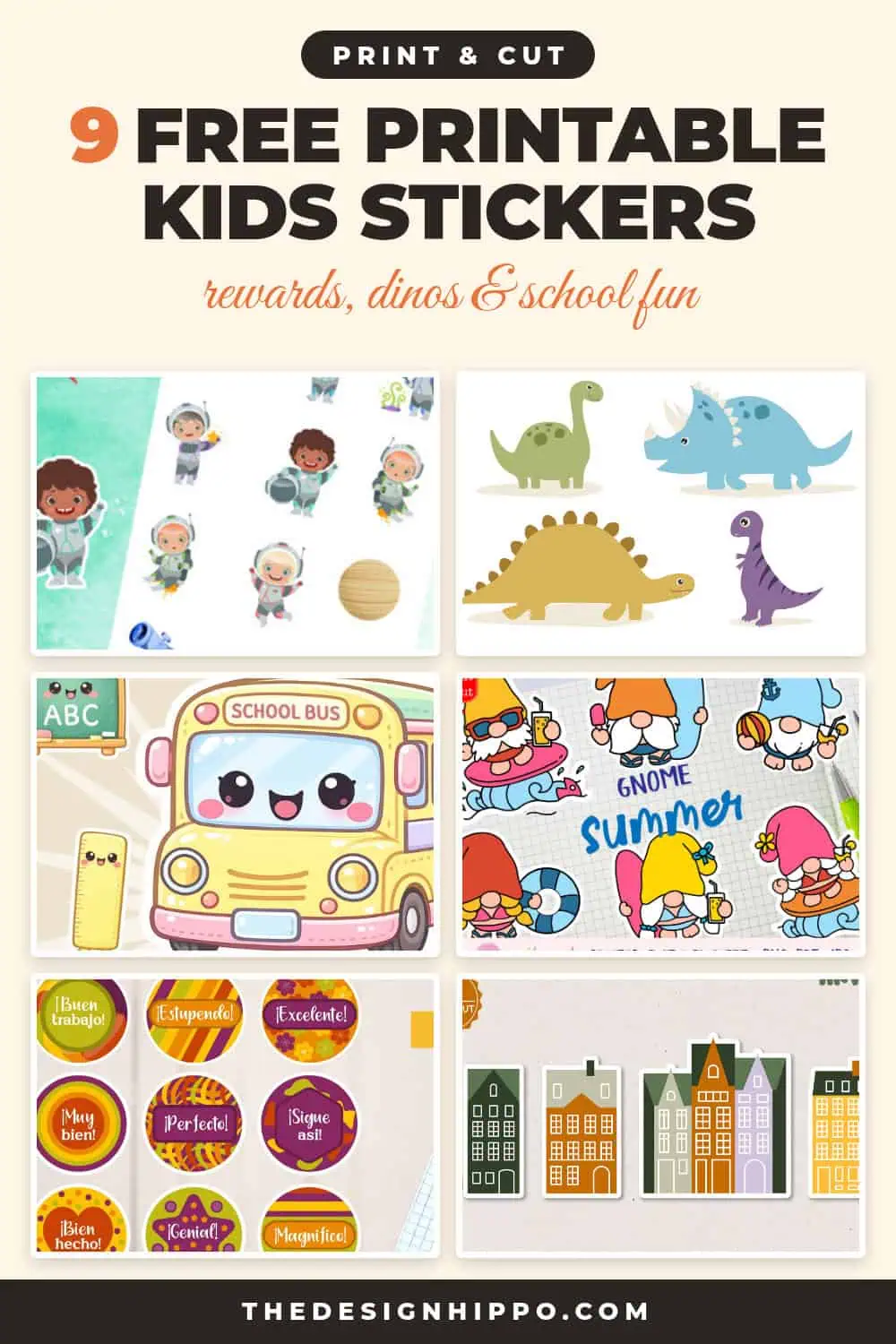
I picked 9 printable kids sticker sets: cute astronauts, dinosaurs, a kawaii school set, alphabet stickers, reward stickers, beach gnomes, fruit and little town houses.
One is a freebie on Creative Fabrica, and you can grab the rest free as part of your first 10 free downloads with a Creative Fabrica free trial.
Tip: Looking for more ideas to keep the kids busy? Check out my Cricut ideas for kids, with easy crafts you can make together.
How to Print Kids Stickers at Home
- Use matte sticker paper. It’s cheaper than vinyl, and your kids can draw on it with markers.
- Print at Actual size / 100%. Most kids stickers look best at 1 to 2 inches.
- Cut them out with scissors, or use Print Then Cut on your Cricut for perfect round edges.
- Older kids can help cut! It’s great practice for little hands.
Fun Ways to Use Kids Stickers
- Reward charts: one sticker for every chore or good day.
- Classrooms: “Good job” stickers on homework and spelling tests.
- Learning games: alphabet stickers for spelling names and sight words.
- Party favors: a sticker sheet in every goodie bag.
- Car trips: a sticker book keeps little ones busy for ages.
9 Printable Sticker Sets for Kids
The freebie comes first, then sets for little kids, school and rewards, and a few just-for-fun designs.
1. Cute Astronaut Kids Stickers
Best Free Set
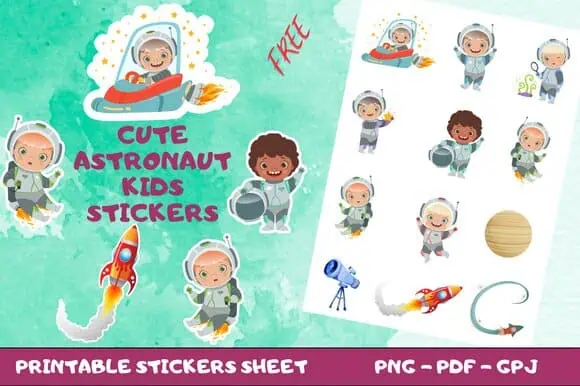
A whole sheet of little astronauts, rockets, planets and a telescope. Space-loving kids will be over the moon!
It’s a freebie, and you get PNG and PDF files, ready to print.
2. Cute Dinosaur Stickers
Best for Little Kids
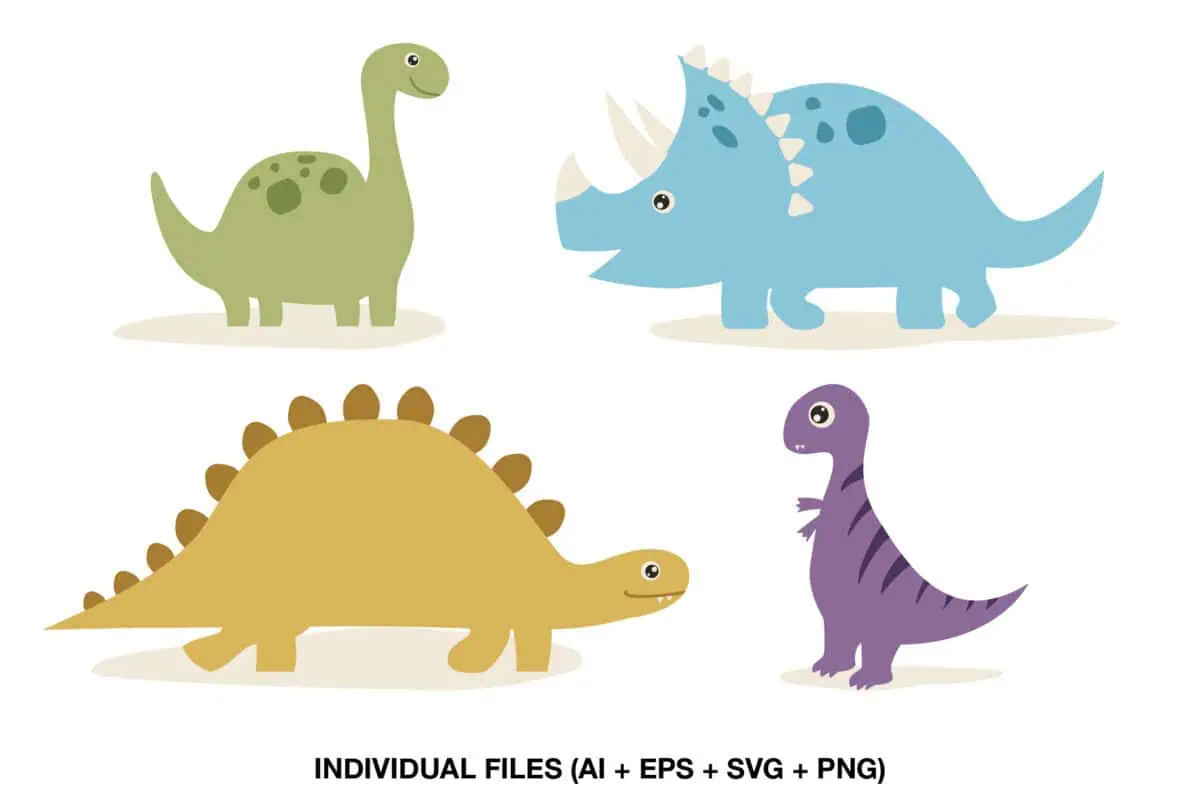
Four friendly dinosaurs in soft green, blue, mustard and purple. They’re simple, so even toddlers love them.
You get AI, EPS, SVG and PNG files, so you can print them or cut them on your Cricut.
3. Kawaii School Sticker Set
Best for School
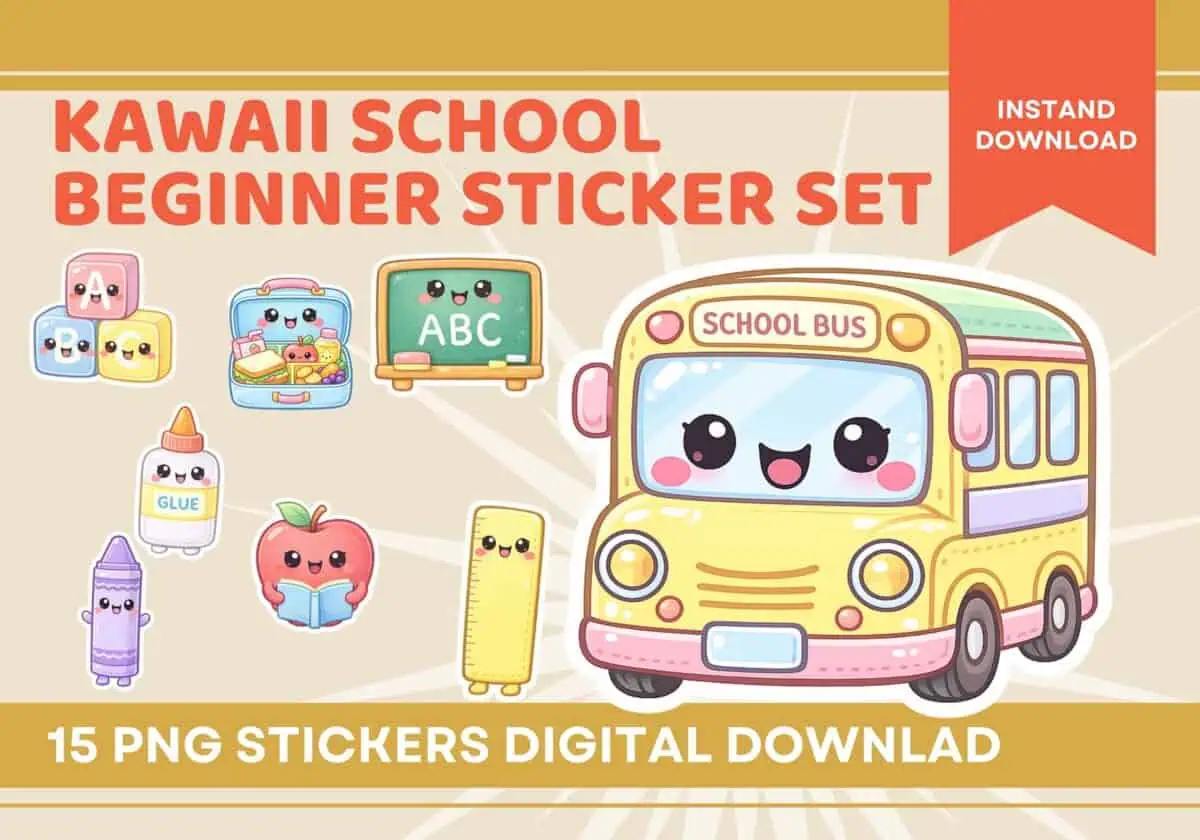
15 kawaii stickers with a smiling school bus, a chalkboard, crayons, an apple and a ruler.
If you’re packing a back-to-school goodie bag, you’ll want these for the first day.
4. School Is Fun Sticker
Cutest Single Sticker
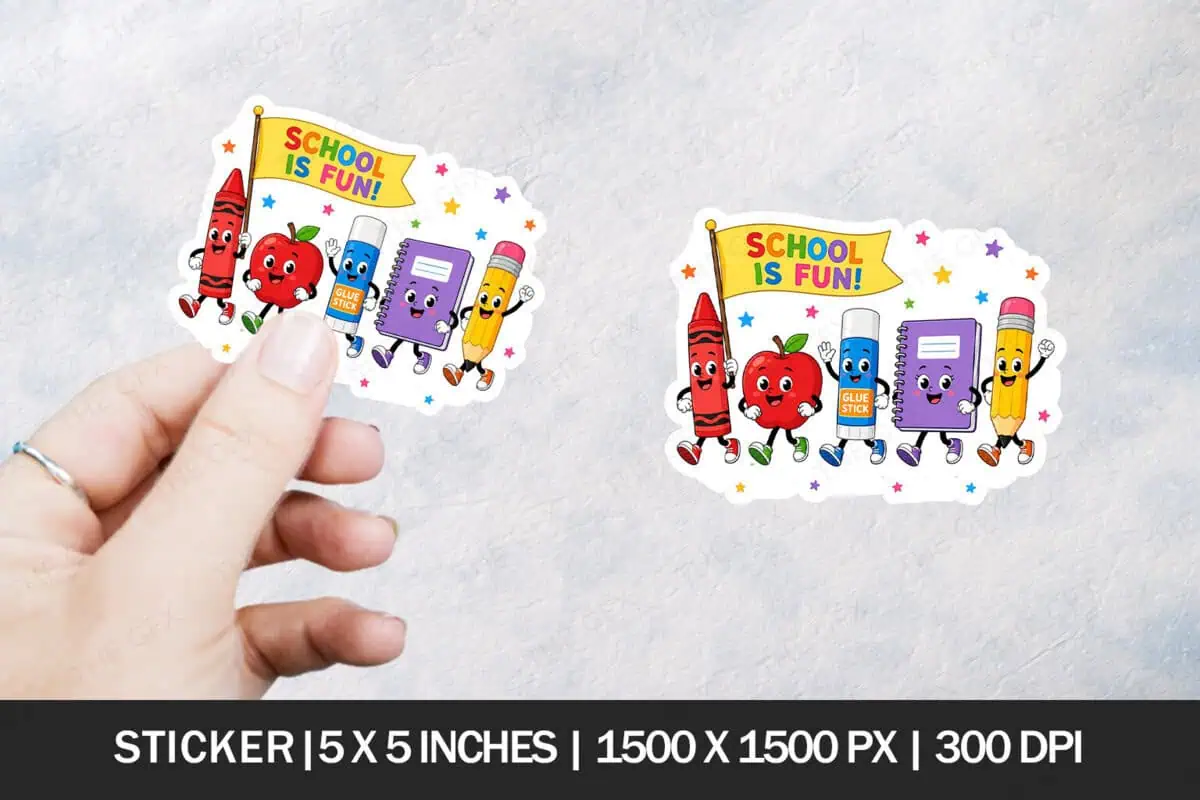
A crayon, an apple, a glue stick and a notebook marching with a “School is fun!” flag.
It’s a 5 x 5 inch PNG at 300 dpi, so you can print it big for a classroom door too.
5. Spanish Reward Stickers
Best Reward Stickers
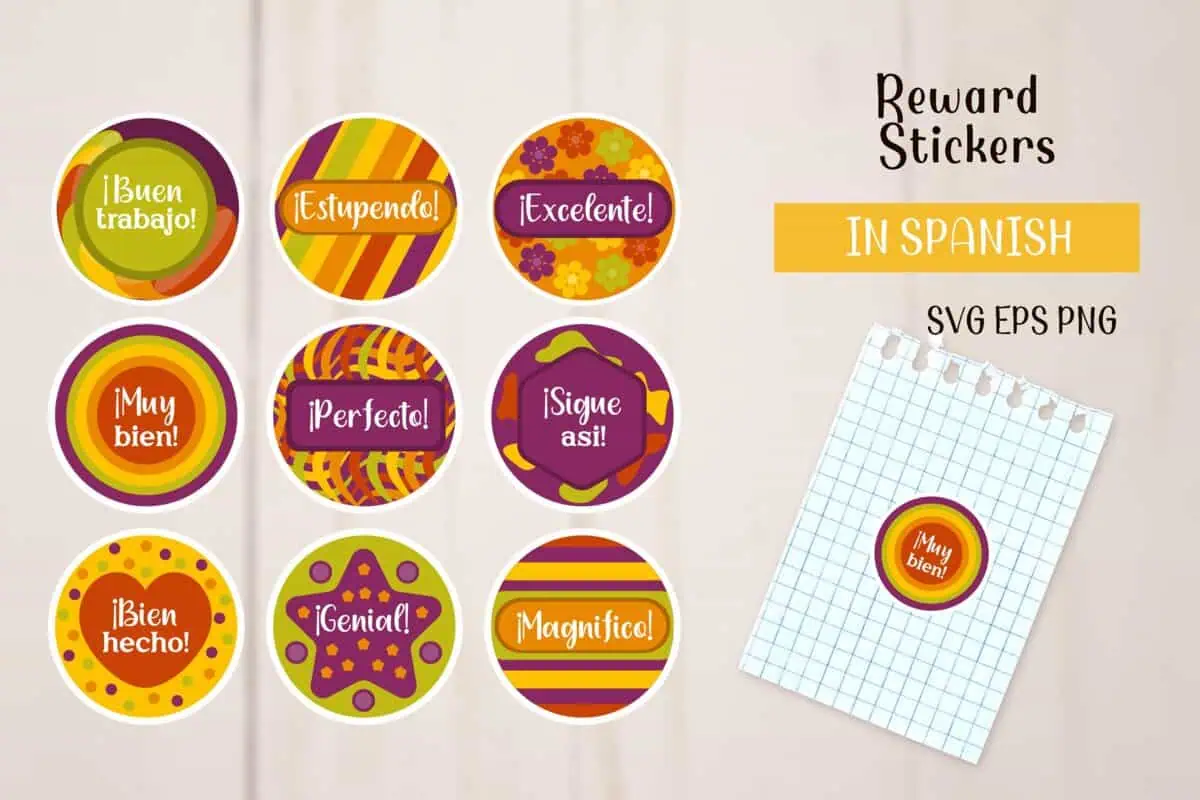
9 round reward stickers in Spanish: “¡Buen trabajo!”, “¡Excelente!”, “¡Muy bien!” and “¡Perfecto!”.
They’re great for Spanish lessons and bilingual classrooms. You get SVG, EPS and PNG files.
6. Alphabet Stickers
Best for Learning
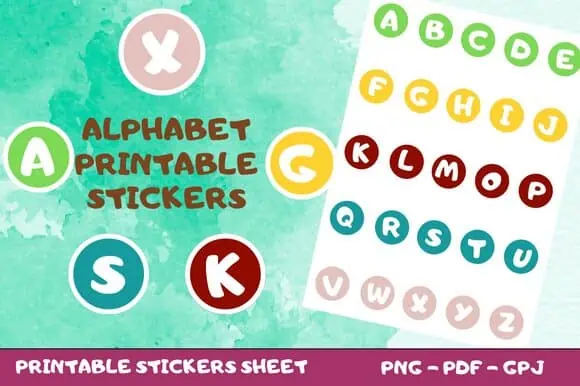
Round letter stickers from A to Z in bright colors, so you can spell anything.
Kids can spell their names on their notebooks, or use them for sight word games.
7. Summer Beach Gnome Stickers
Most Fun
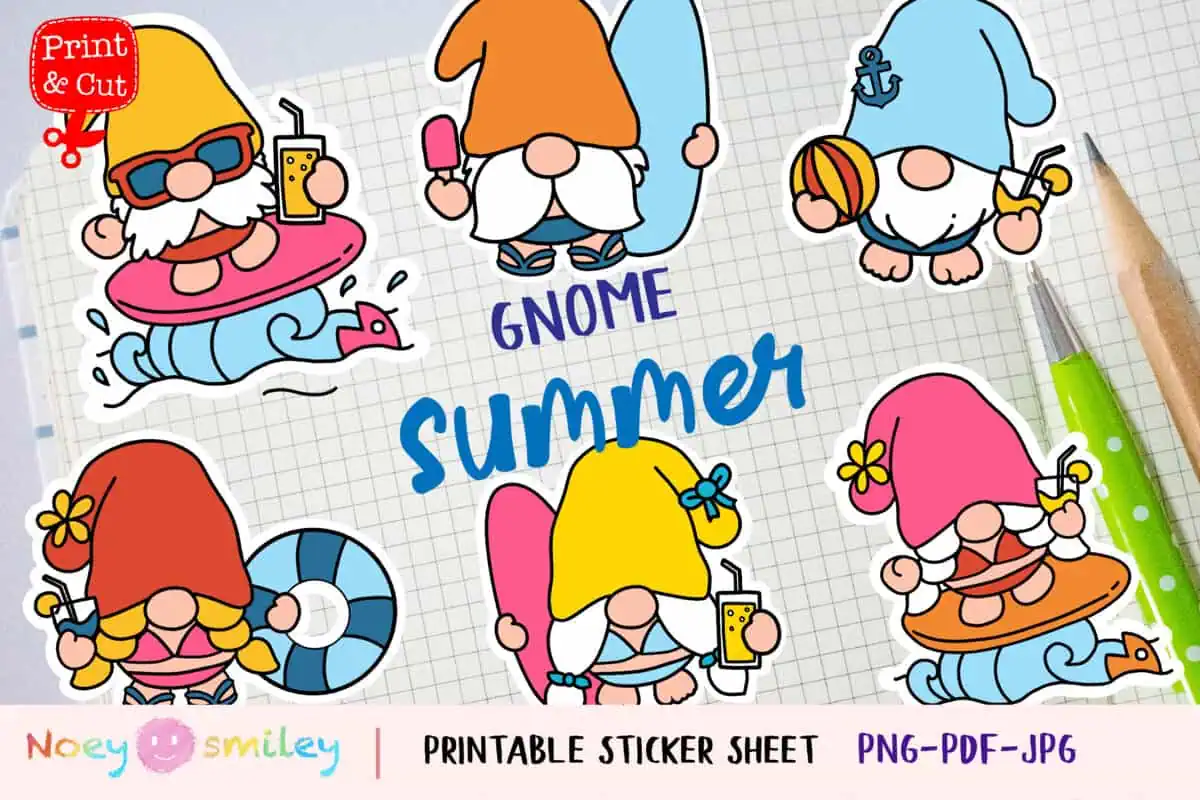
Silly gnomes surfing, eating ice cream and playing with a beach ball. You’ll smile too!
You could tuck them into a summer camp care package. Your kids will giggle!
8. Fruit Stickers
Best for Healthy Eating Charts
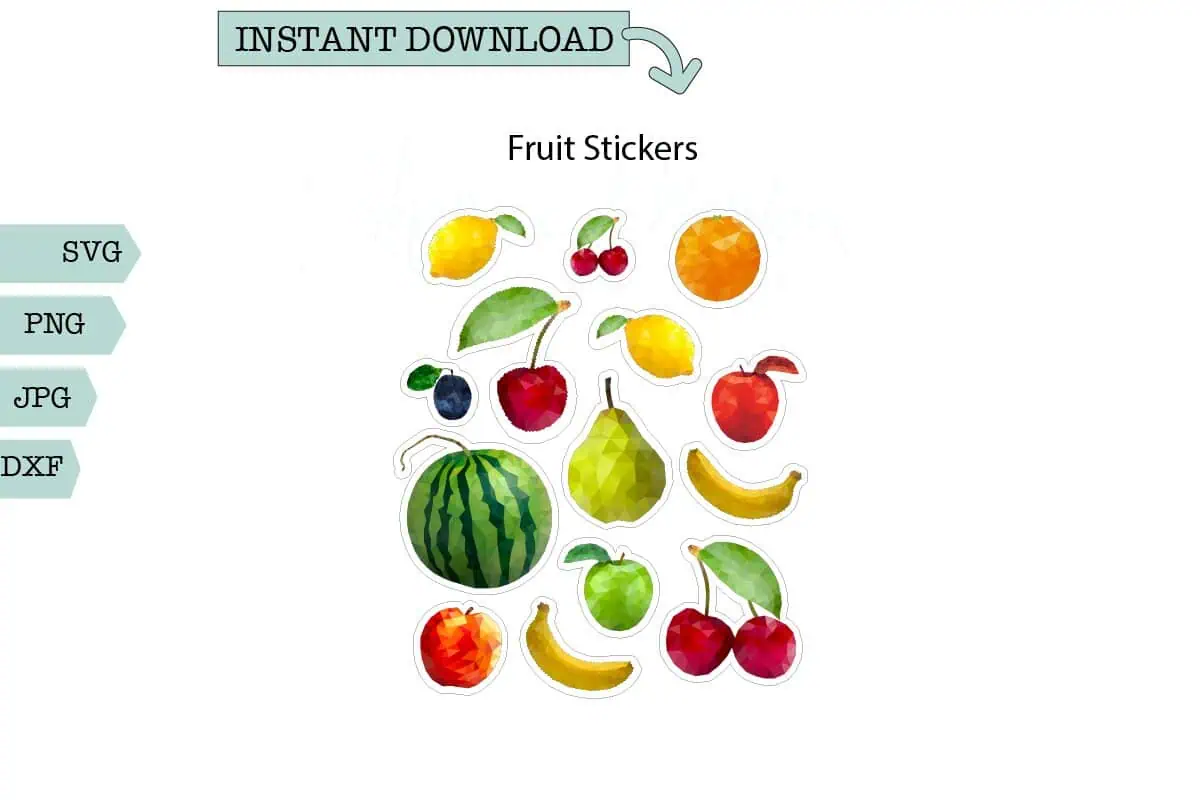
A sheet of colorful fruit: watermelon, cherries, a pear, oranges and bananas.
Use them on a “try new foods” chart for picky eaters. It really works!
9. Old Town House Stickers
Best for Pretend Play
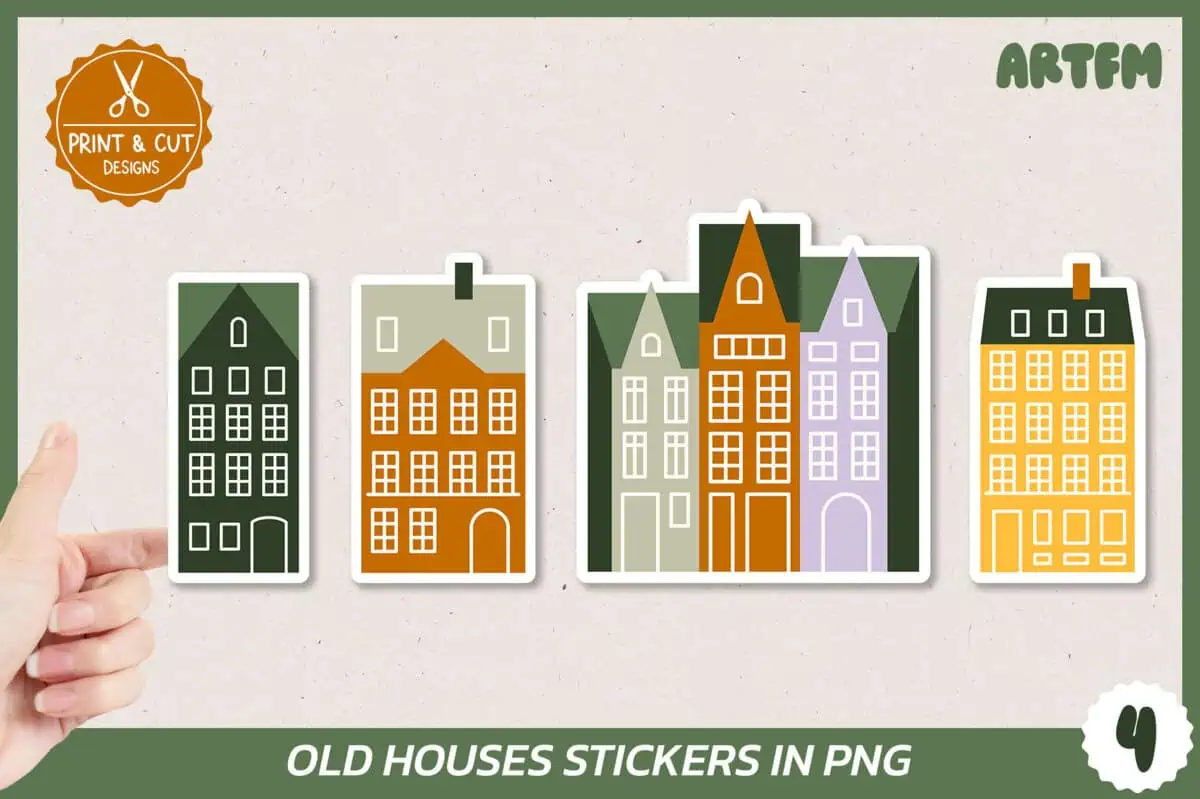
Little old town houses in green, orange, purple and yellow. You get 4 designs.
Your kids can build a whole street in their sketchbook, or decorate a dollhouse with you.
Kids Stickers FAQs
Are these kids stickers free?
Yes. The astronaut set is a freebie on Creative Fabrica. You can download the others free as part of your first 10 free downloads with a Creative Fabrica free trial.
What sticker paper is best for kids?
Matte sticker paper is the best choice. It’s cheap, easy to cut and kids can color on it.
Can teachers use these stickers in class?
Yes. Printable stickers are perfect for reward charts, homework and classroom games. Check each listing’s license if you want to sell them.
How do I make round stickers?
Use a circle punch, or upload the PNG to Cricut Design Space and use Print Then Cut.